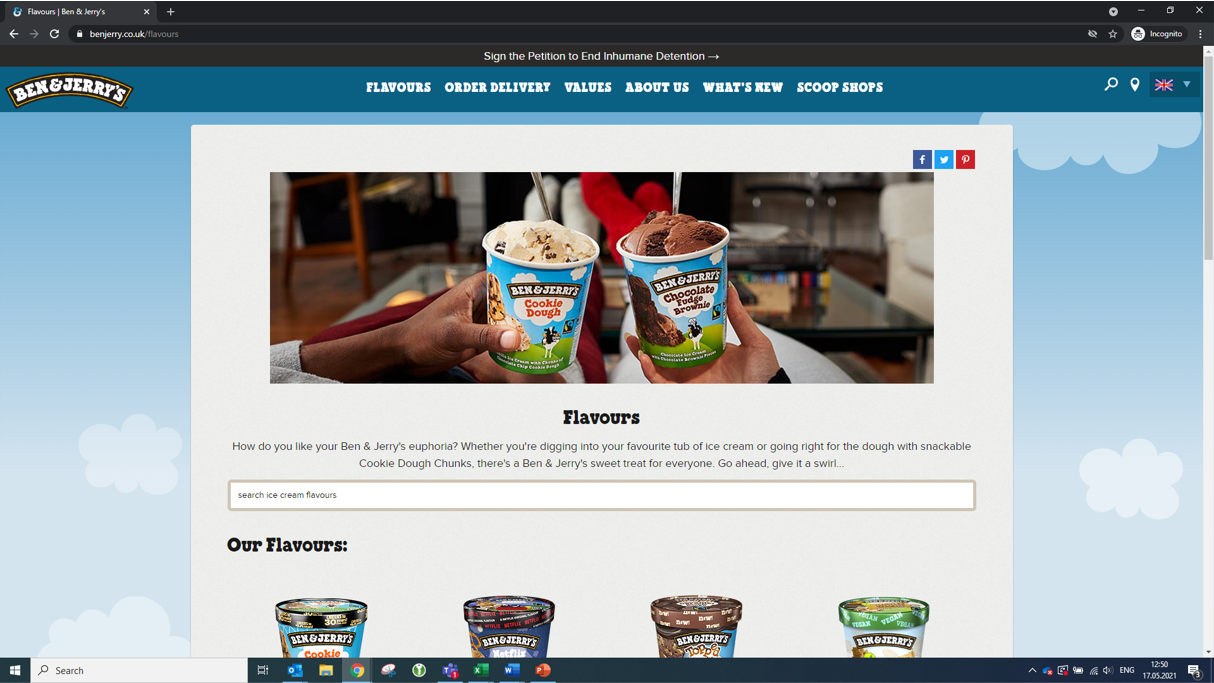

Here are two examples of good bug reports from our Entry Tests. The layout is different in the actual Bug form, but the fields should be named similarly. If you want to know how to report a bug, please look at this FAQ entry: How do I report a Bug?
Example 1
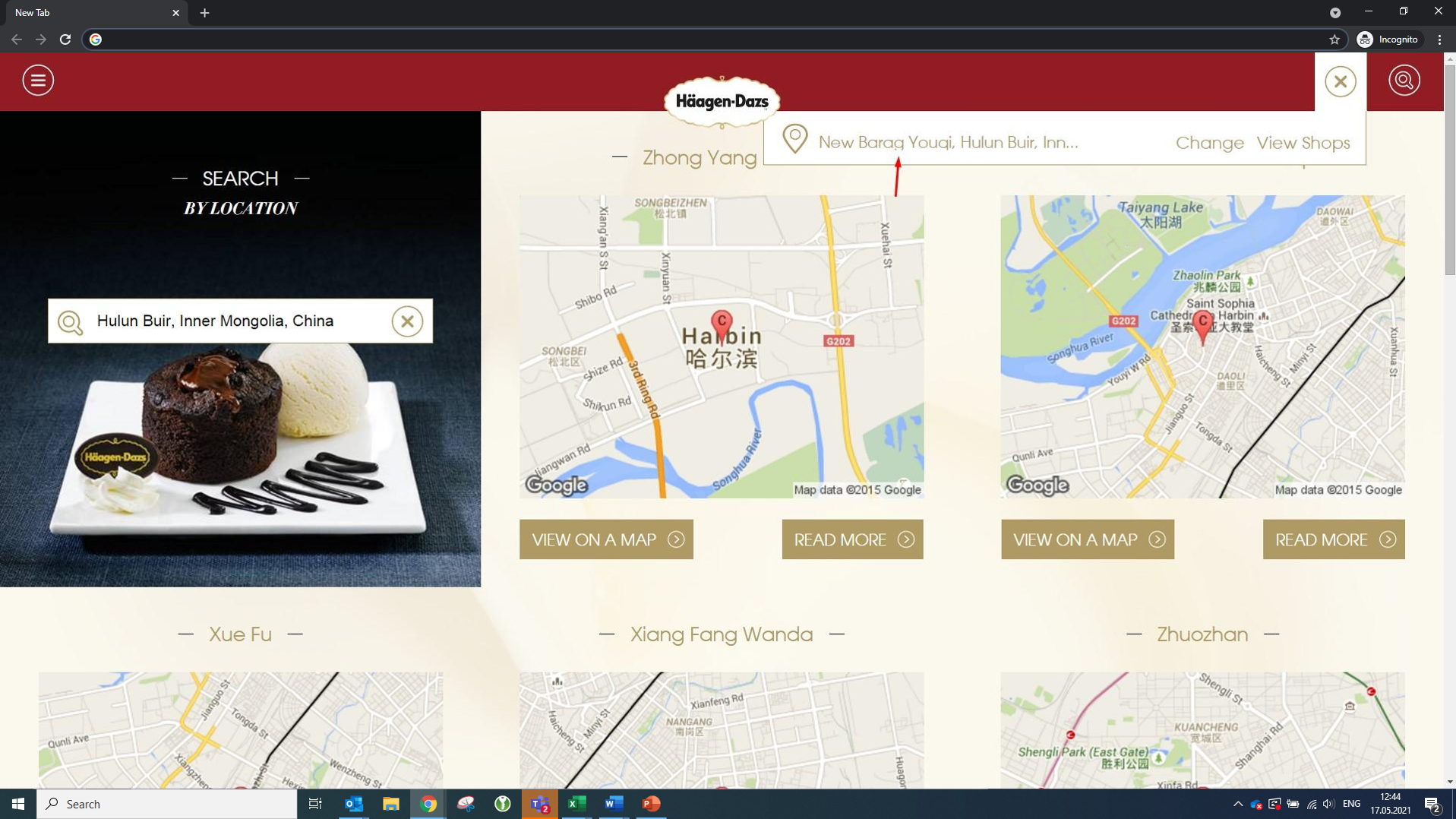
Bug Title: Find Location - Lower case "g" is cut-off in the shop locator search bar
Bug Category: Display Error
Severity: Low
Occurrence: Always
Steps that led to the Bug:
Clicked on the shop locator icon in the top right corner
Searched for the following post-code: 021316
Pressed Enter
Expected Result:
The result shows New Barag Youki, Hulun Buir... without any UI issues
Actual Result:
The location names that contain a lower case "g" are cut-off. The same applies for "q".
Screenshot:
Example 2
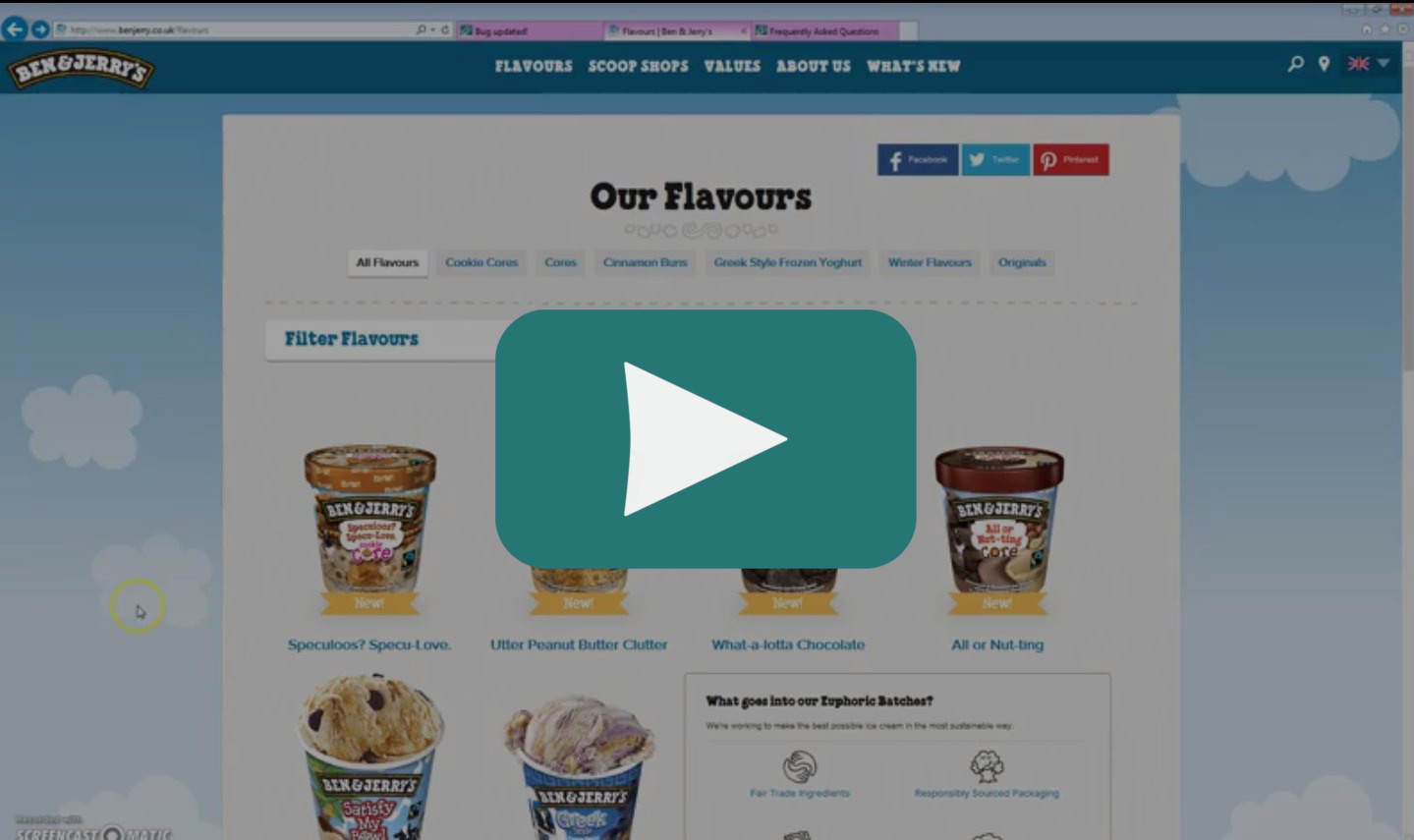
Bug Title: Flavours Page - Cinnamon Buns tab not showing the results
Bug Category: Malfunction
Severity: Medium
Occurrence: Always
Steps that led to the Bug:
Go to Flavours Tab
Click on "Our Flavours" from the dropdown list
Click on the "Cinnamon Buns" tab under the page title
Expected Result:
Information about Cinnamon Buns Ice Cream displayed.
Actual Result:
Getting redirected to the main landing page.
Screenshot